
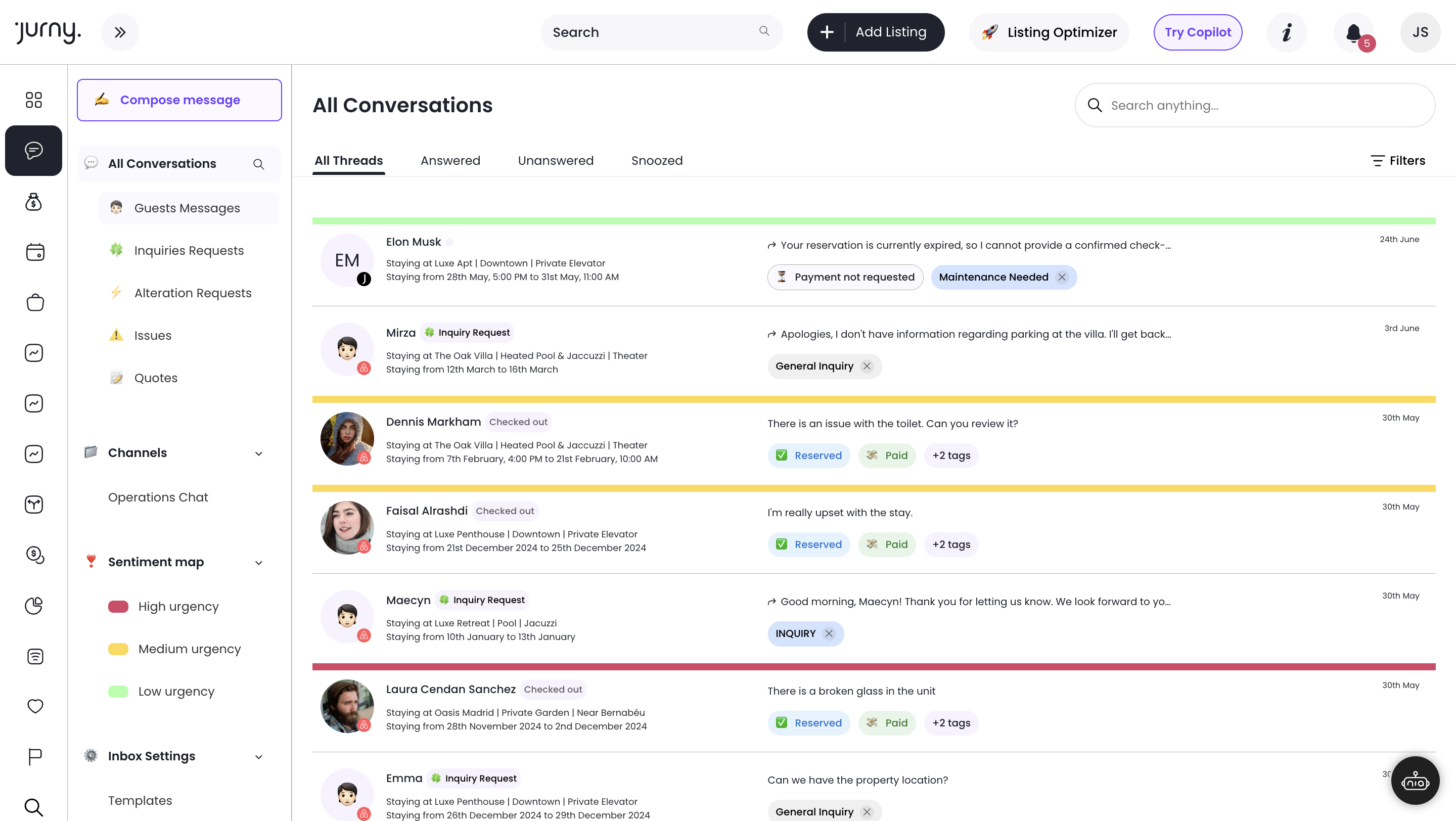
Unified AI Inbox
All guest messages. Every channel. One AI inbox that responds, prioritizes, and escalates.

The Jurny Owner Dashboard is a dedicated, permission-controlled portal — separate from the full jOS PMS — where owners log in to see property performance, bookings, financials, and communicate directly with you. You control exactly what they see and when.
.png?width=1512&height=878&name=Owners%20dashboard%20(2).png)
One interface that gives owners the financial clarity and property visibility they need — while keeping your operations fully in your control.
.png?width=1512&height=945&name=OD-calendar-request%20(1).png)
Property managers know owner relationships are built on transparency — but not at the cost of operational control. Giving owners full platform access creates confusion, accidental changes, and support overhead you don't need.
The Owner Dashboard creates a clean separation: owners get the visibility they need to trust your management, and you keep full control of the platform they never need to touch.
.png?width=1512&height=1082&name=OD-financials%20(1).png)
All guest messages. Every channel. One AI inbox that responds, prioritizes, and escalates.
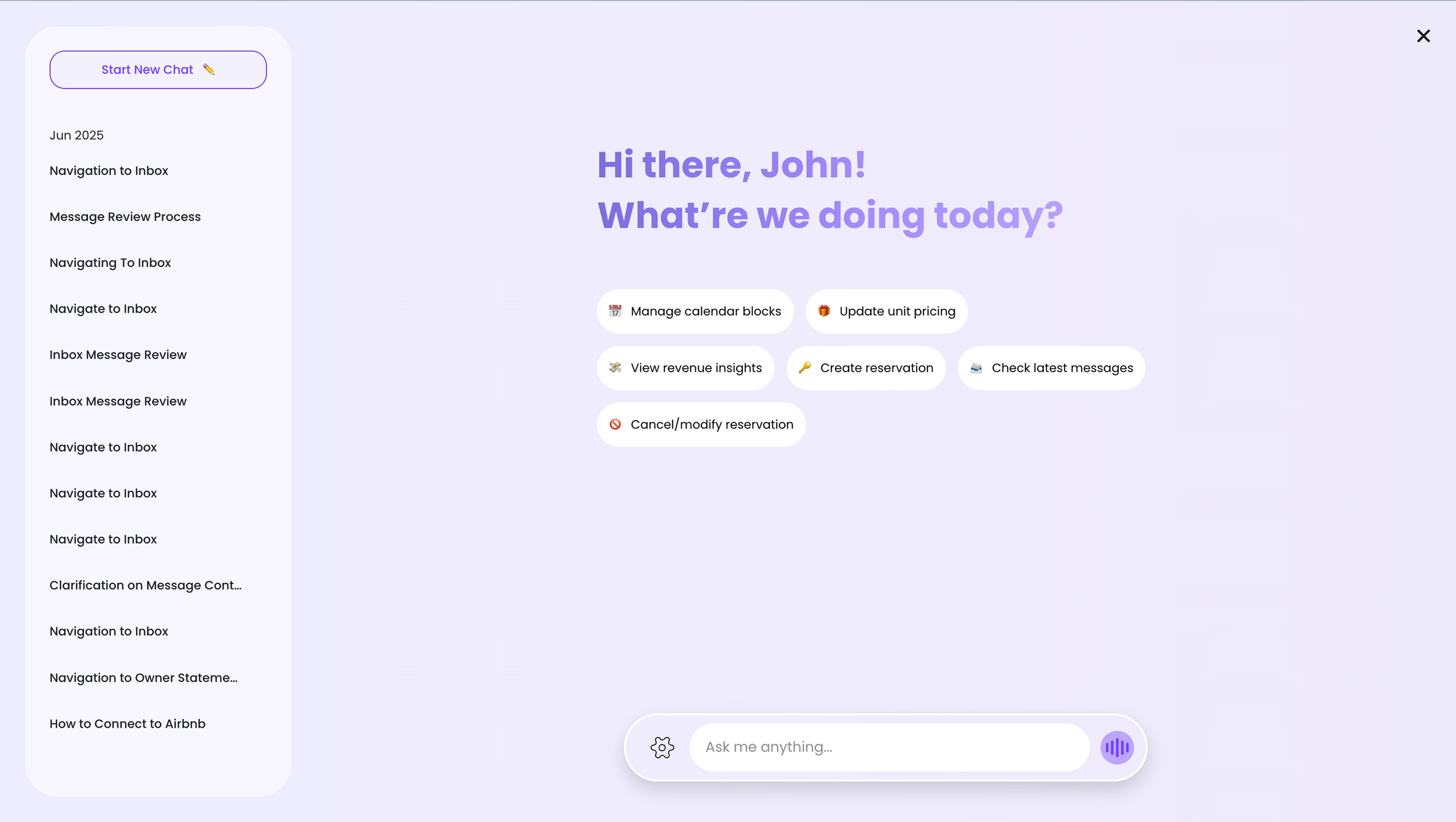
Ask anything. Block calendars, check performance, manage ops — by voice or text, instantly.
A network of specialized AI agents automating guest comms, ops, revenue, and reviews — simultaneously.
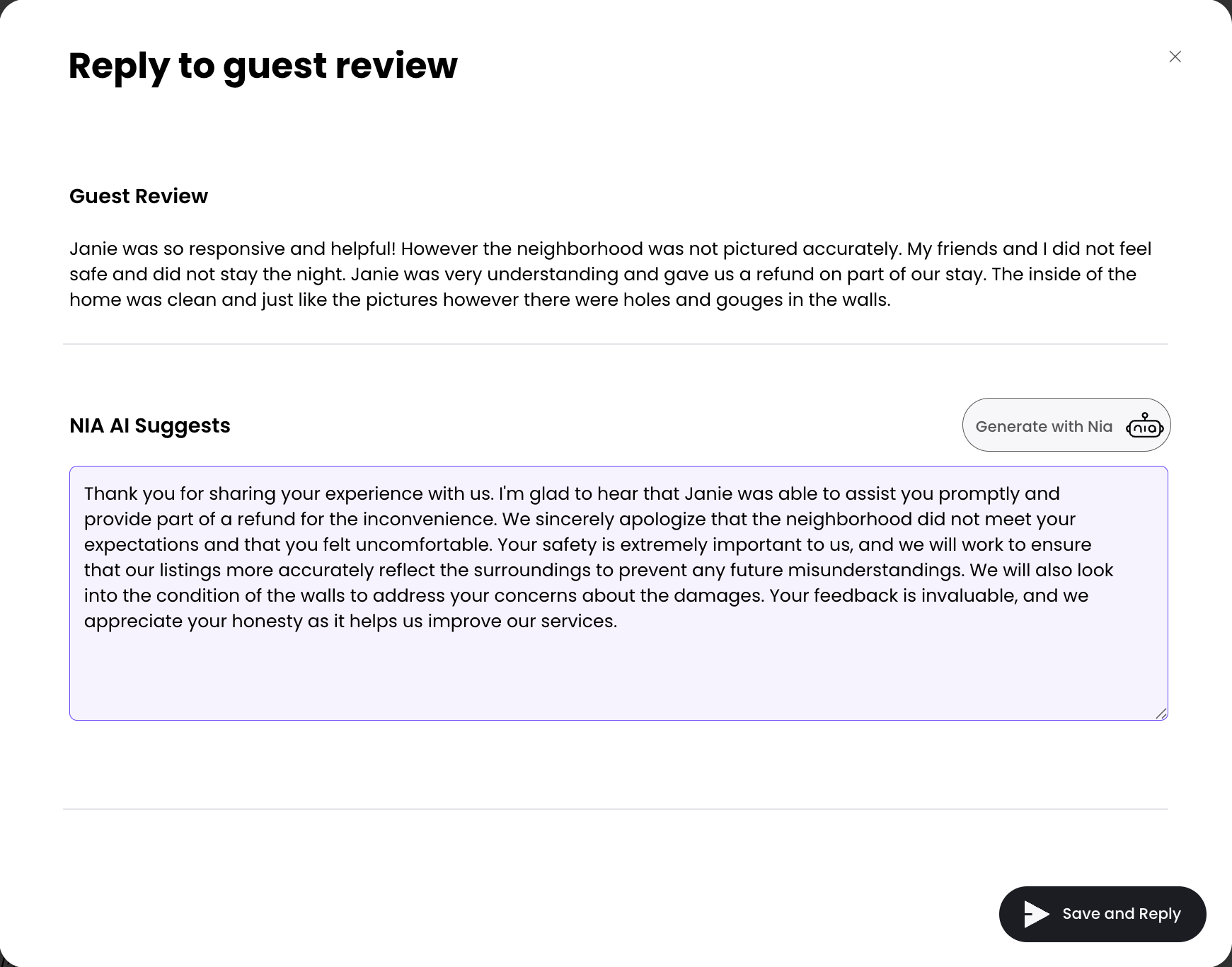
Respond to every review automatically. Protect your rating. Never miss a feedback signal.
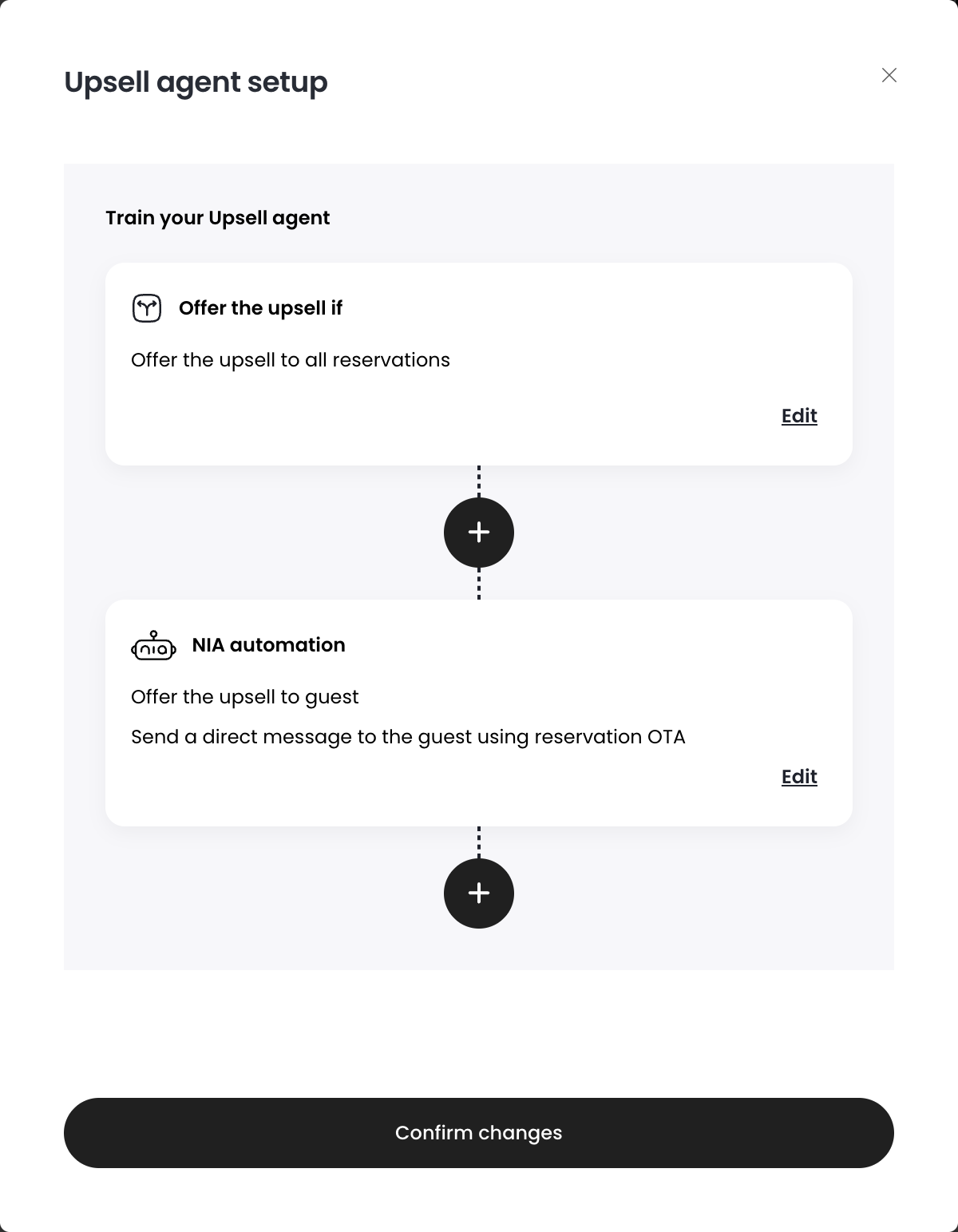
Deliver early check-in, late checkout, and add-on offers automatically. Revenue without extra work.
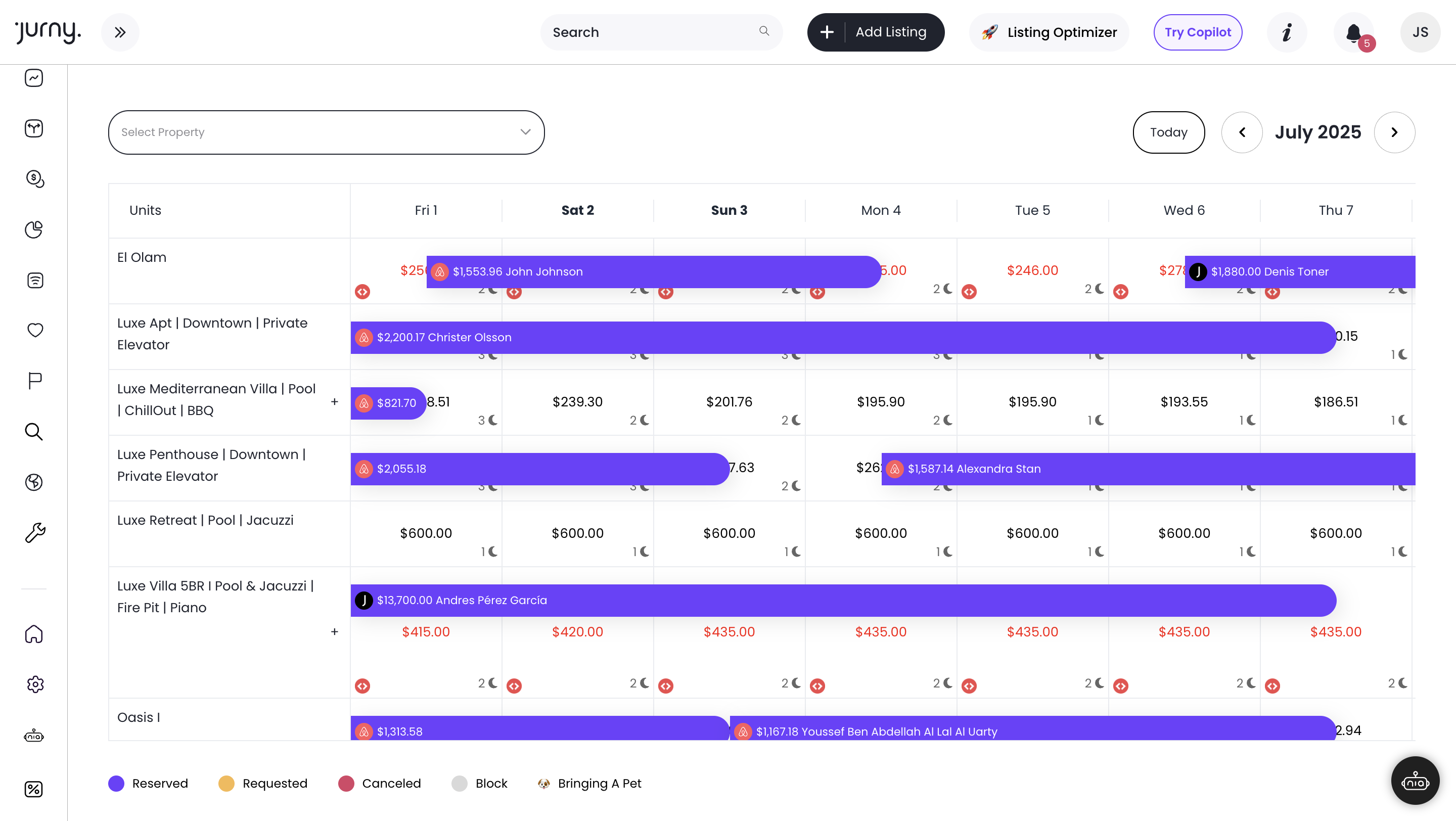
One calendar. All major OTAs synced. No double bookings. No manual updates.
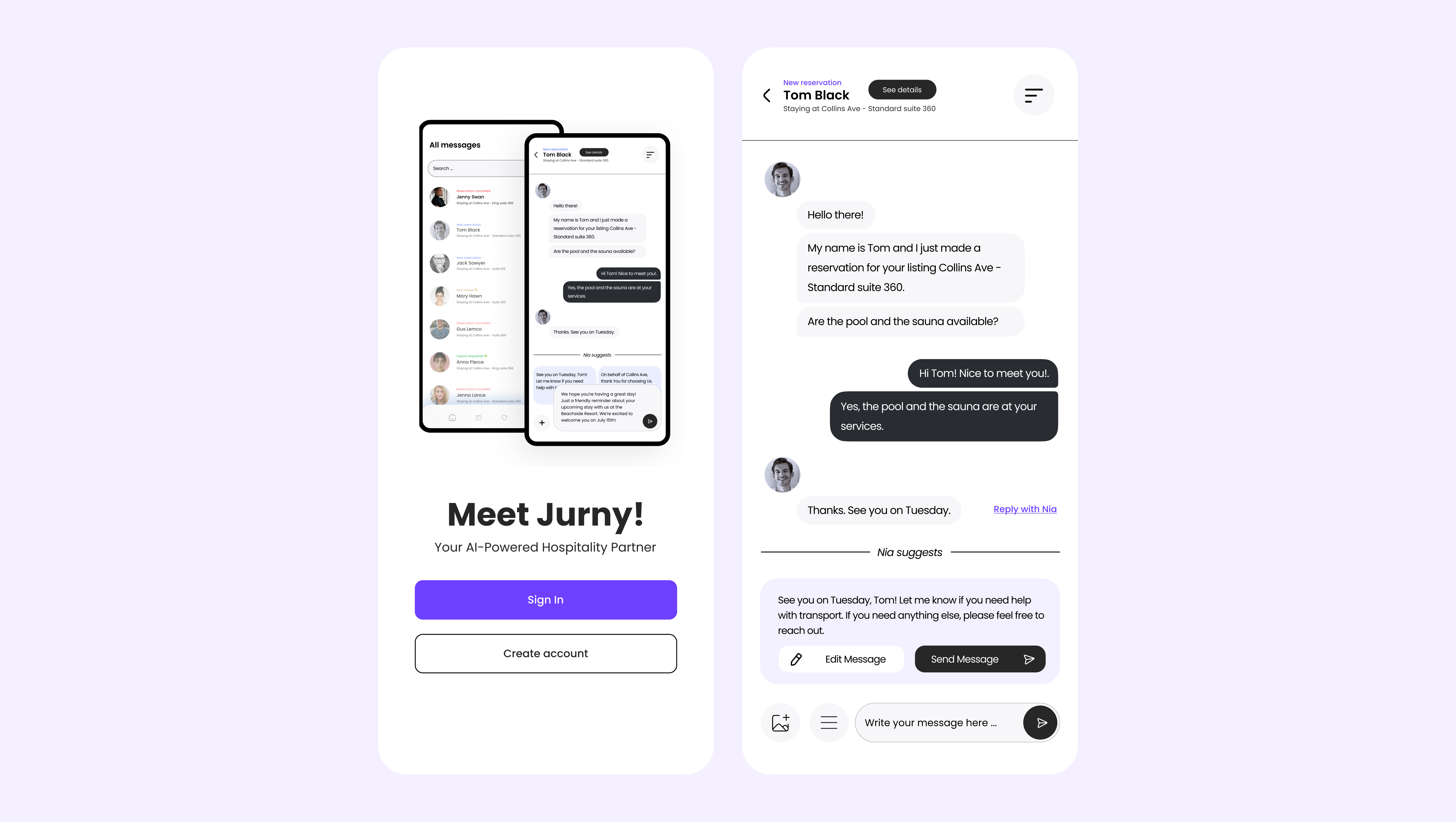
Manage reservations, messages, and smart locks from your phone. Full jOS control, anywhere.
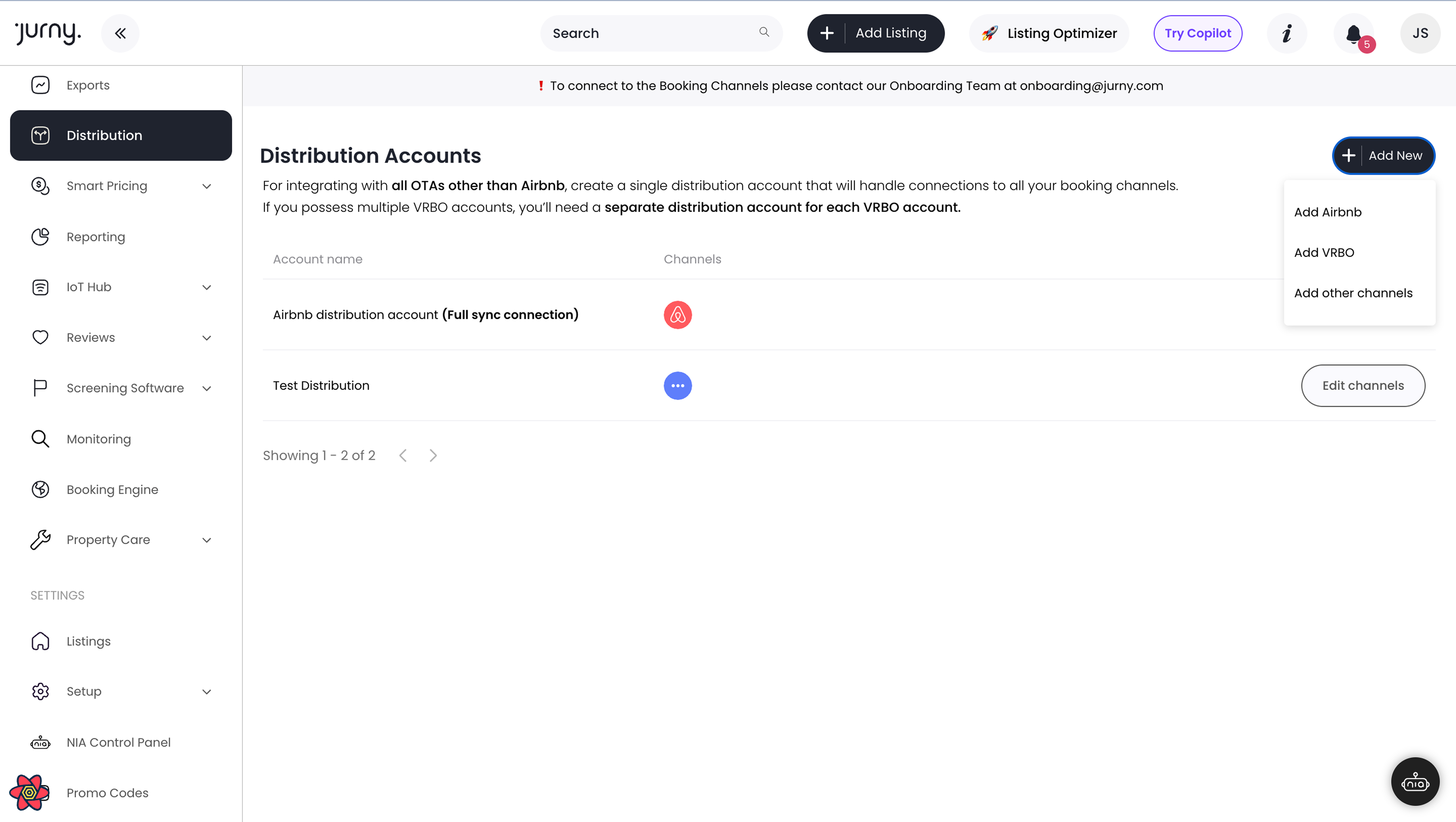
Sync availability, rates, and restrictions across all major OTAs in real time. Wider reach, zero conflicts.
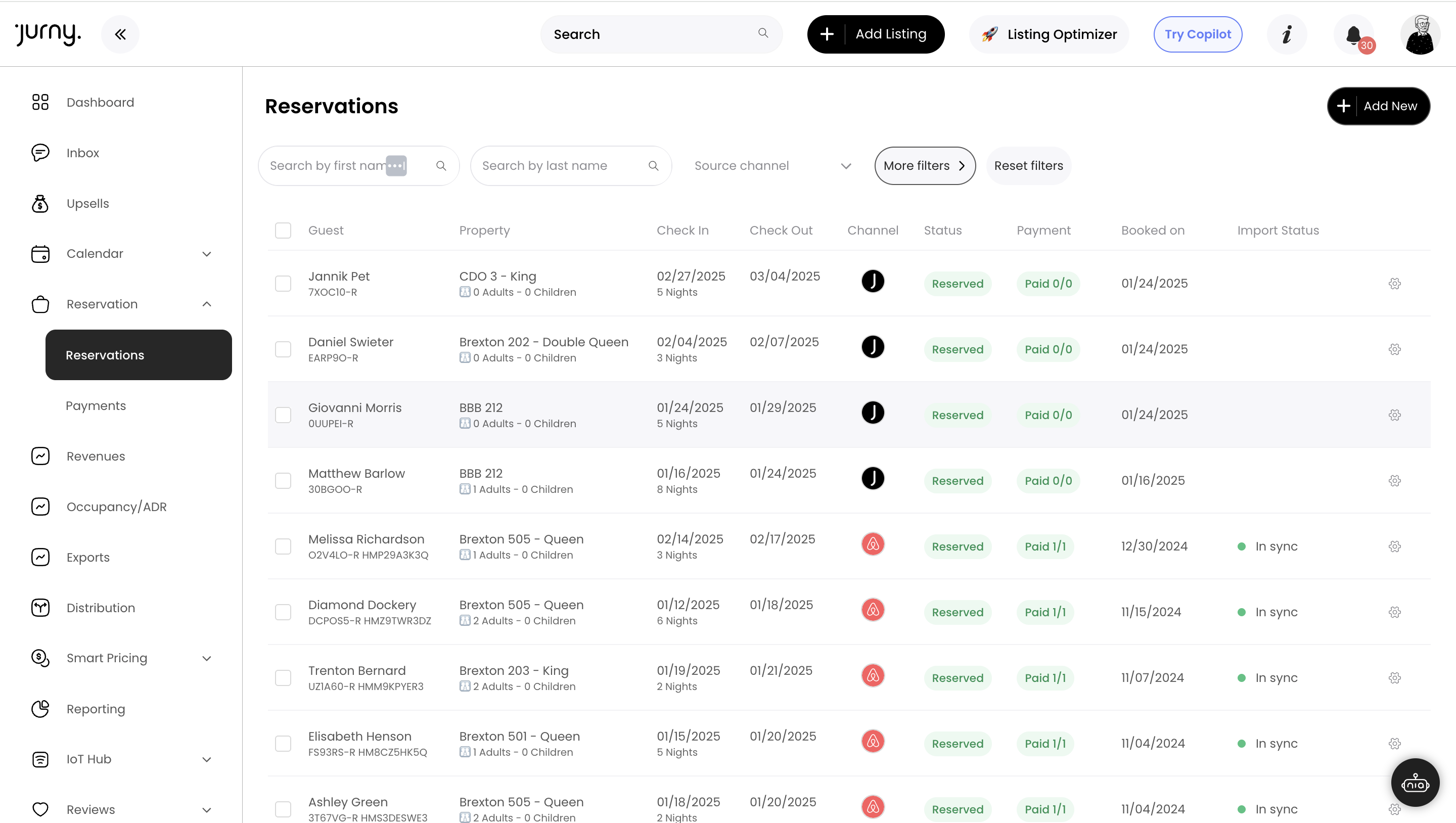
Modify, quote, block, or cancel any reservation from one place. Full control, zero confusion.
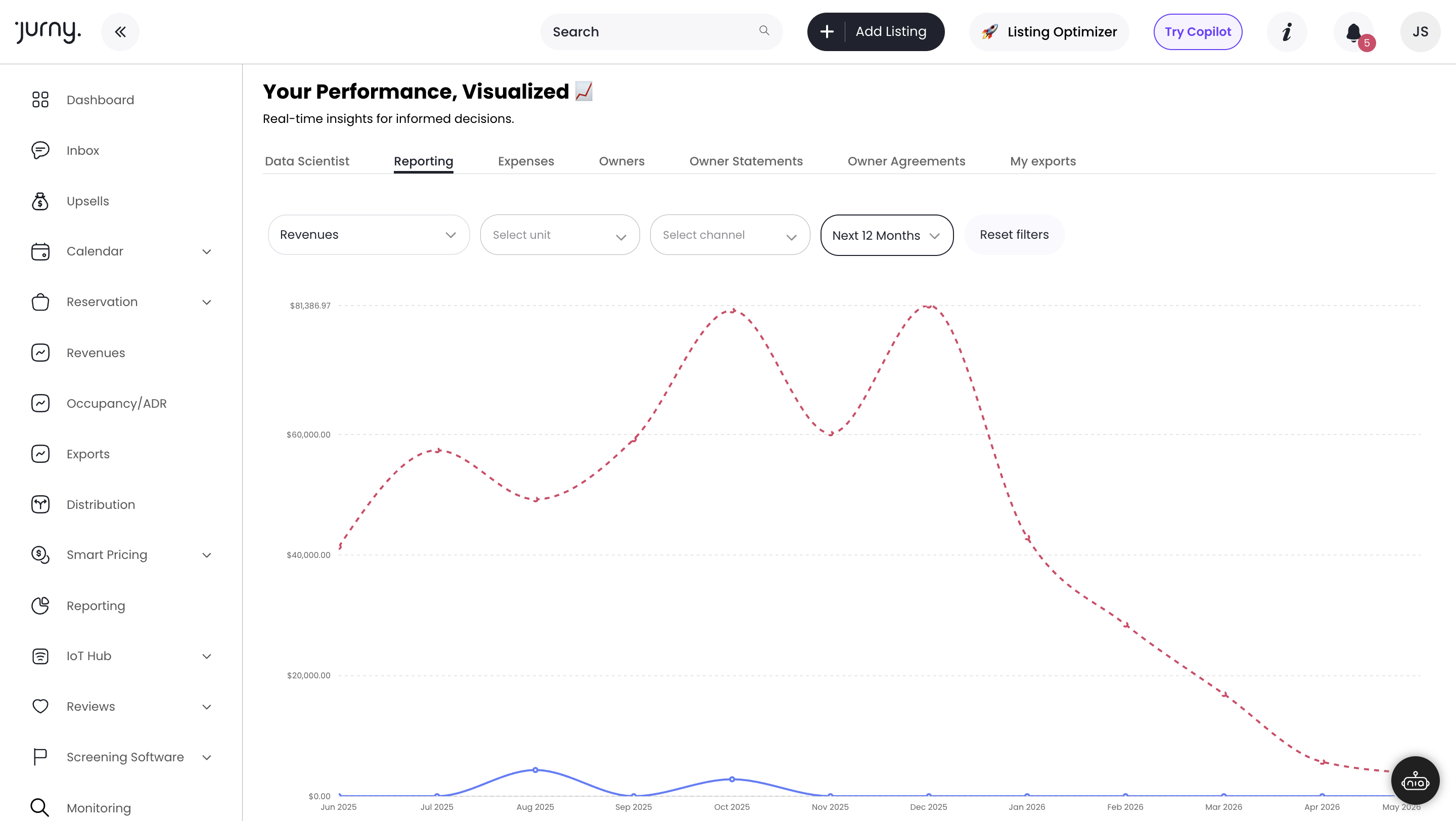
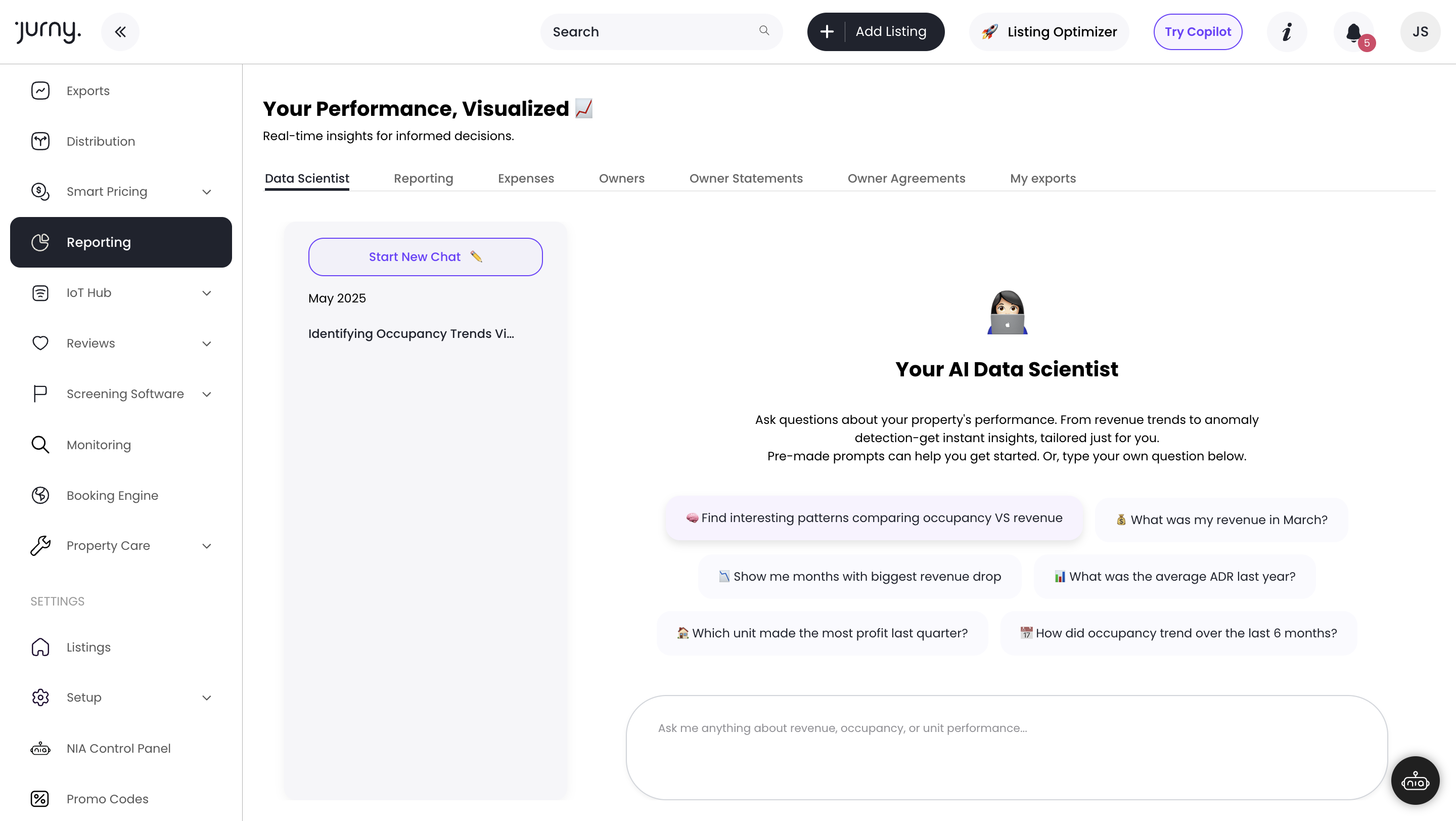
Ask NIA a question. Get your revenue, occupancy, or performance data instantly — no dashboards needed.
Connect jOS to 5,000+ apps via Zapier. Build custom automations with zero code.
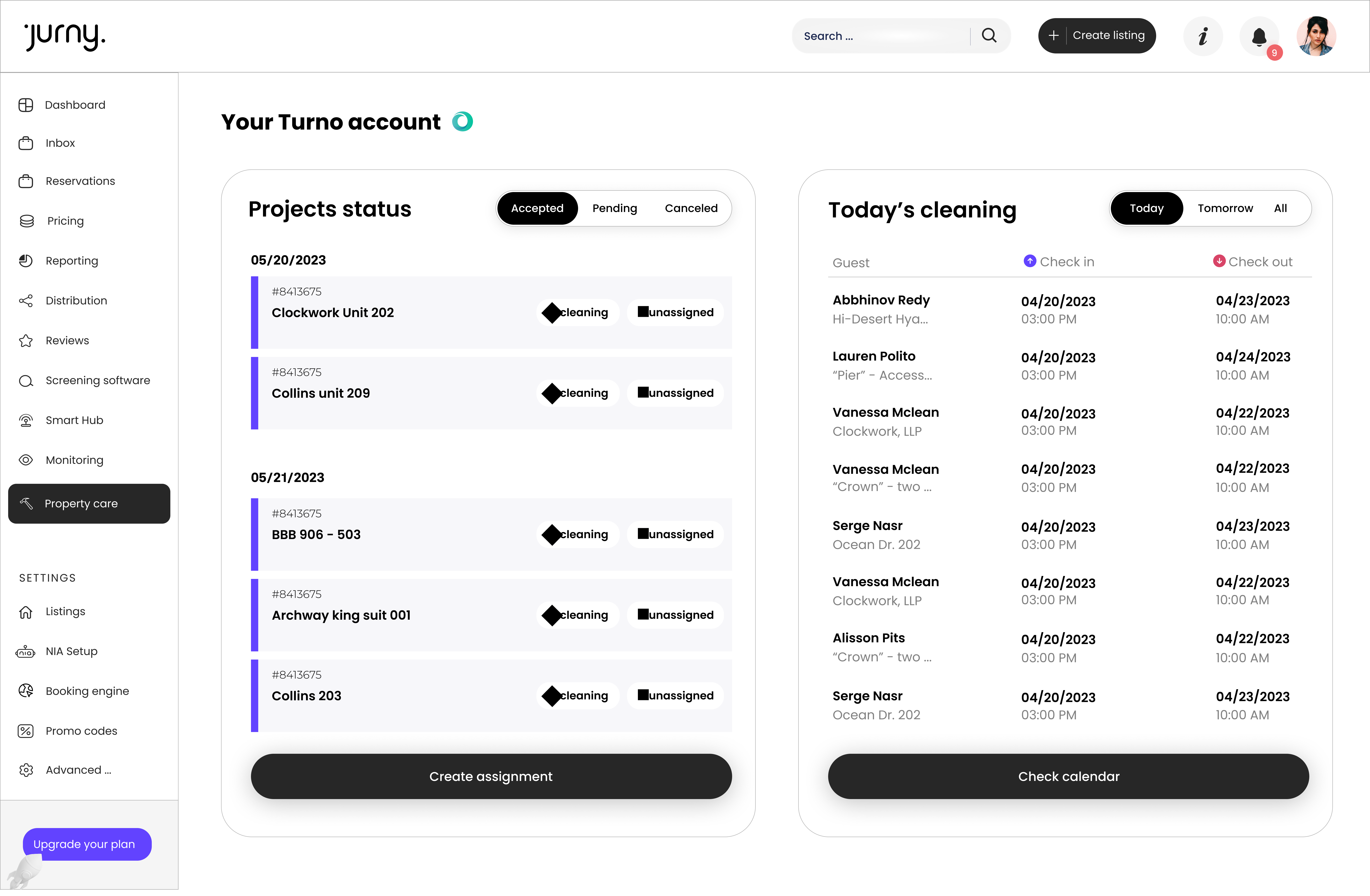
Auto-assign cleans and repairs after every checkout. Your property care runs itself.
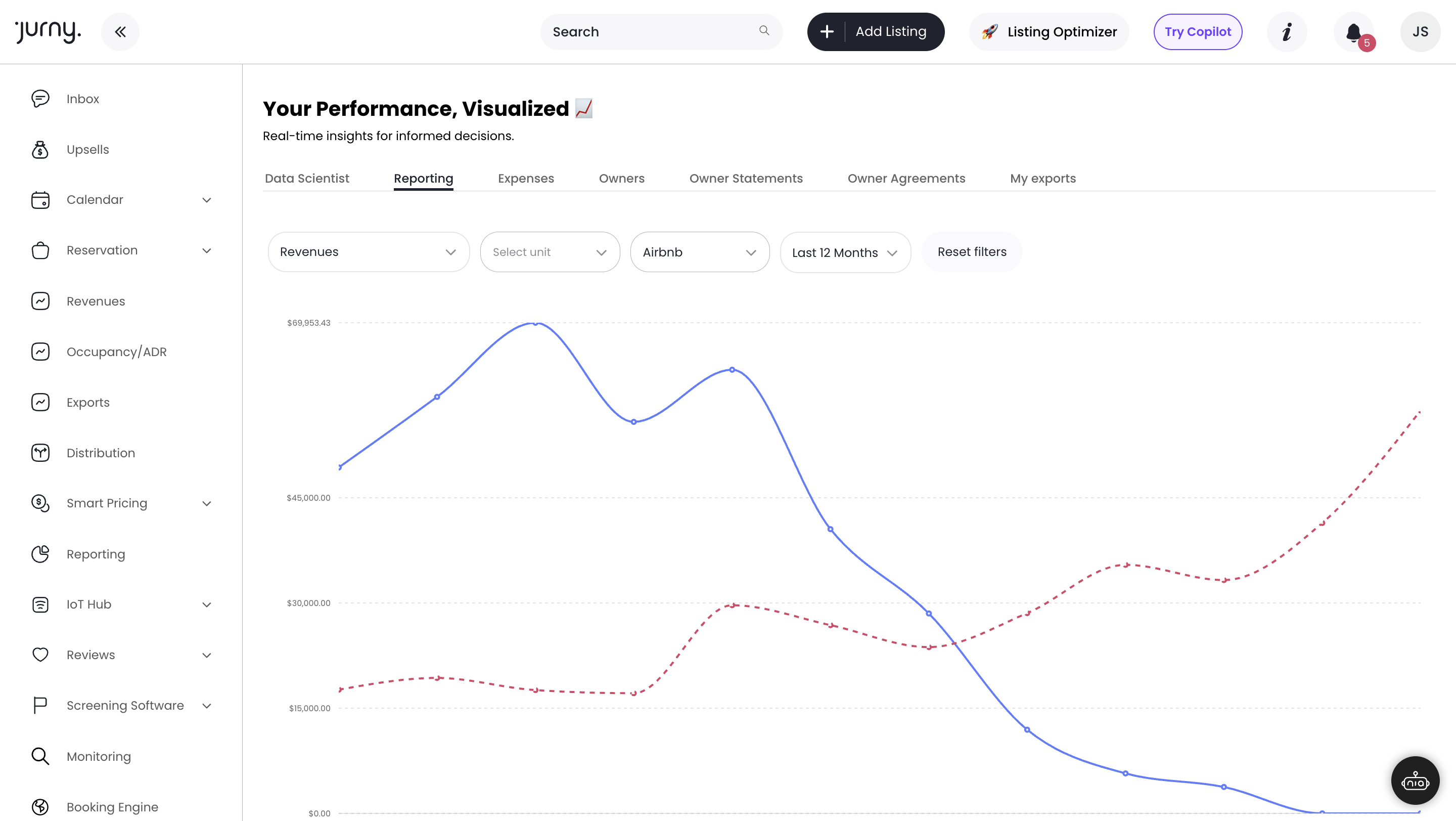
Connect to dynamic pricing intelligence. Set smarter rates. Maximize RevPAR automatically.
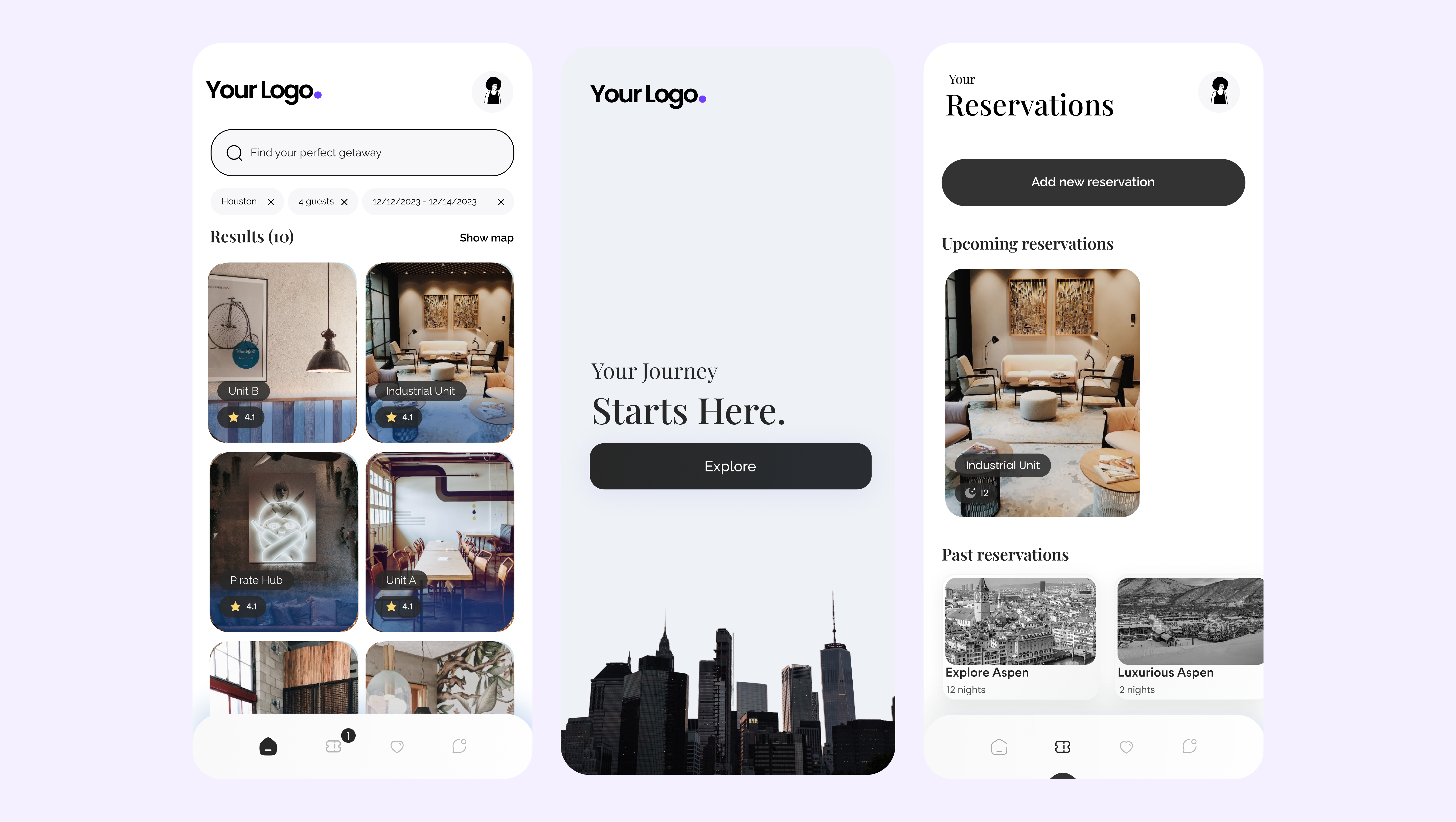
A fully branded guest portal — no app download required. Check-in, guides, requests — all in one place.
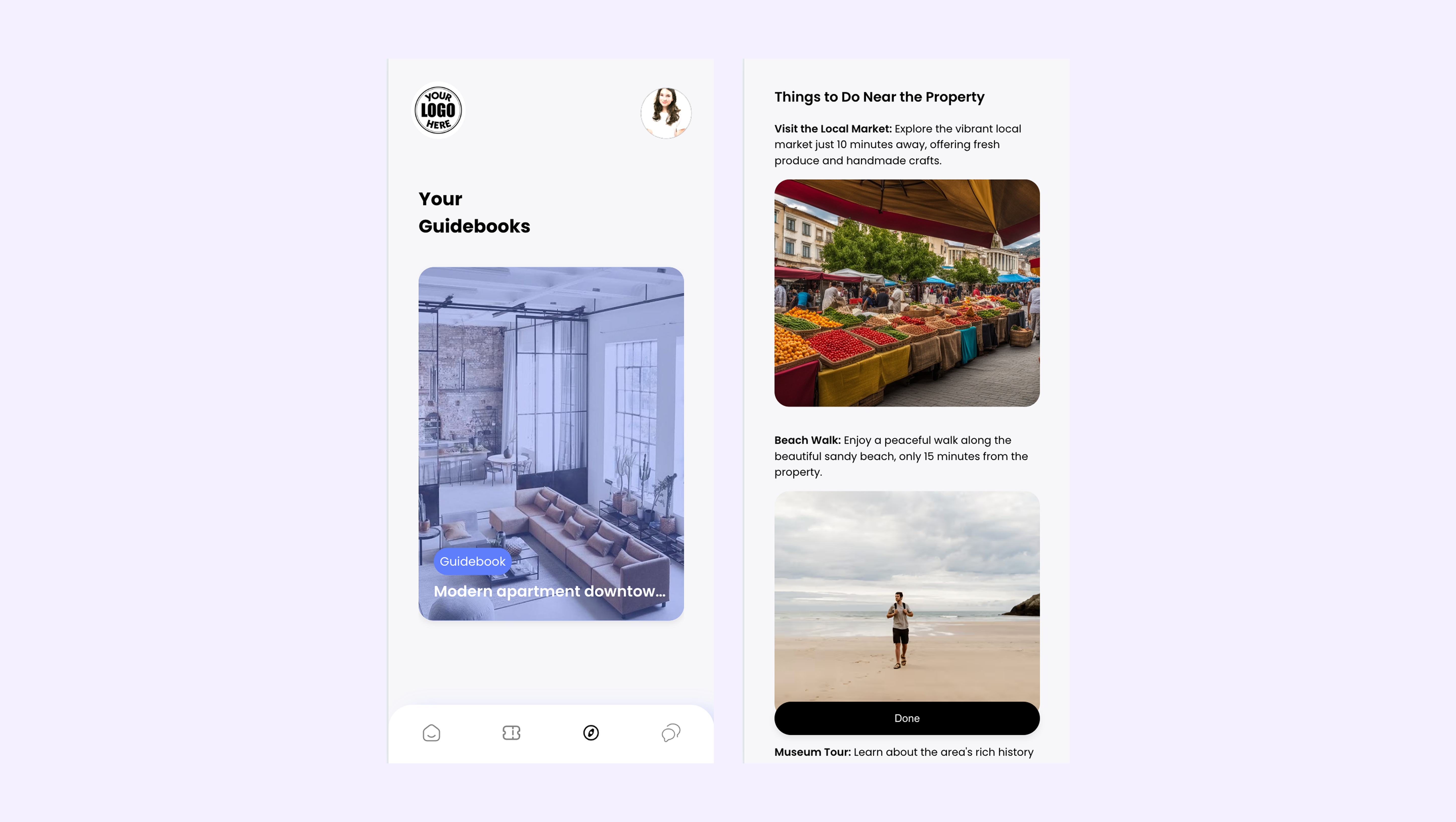
Live, branded digital guidebooks that update automatically. Fewer guest questions. Better reviews.
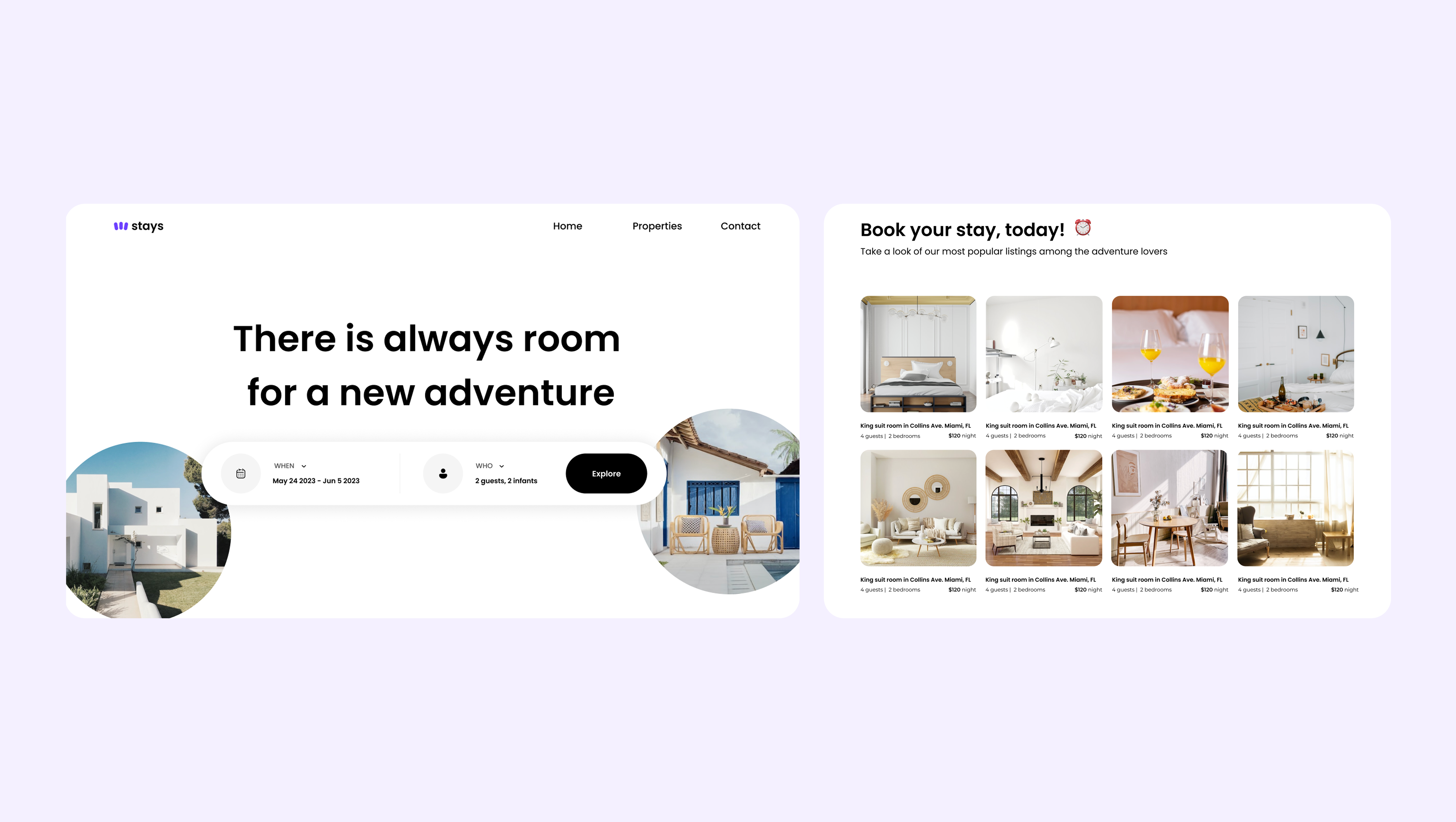
Commission-free direct bookings. Your brand, your engine, your revenue.
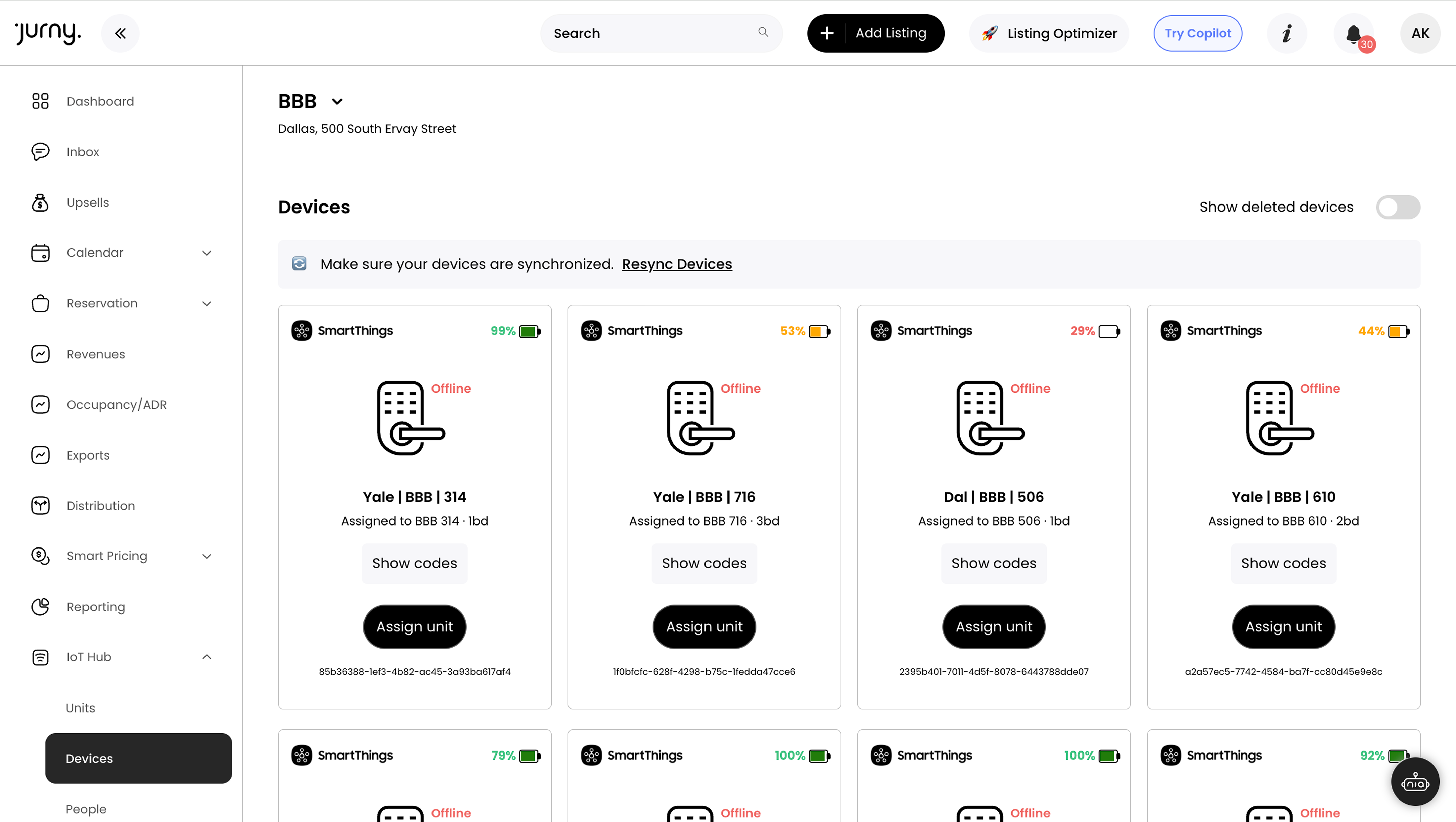
Manage smart locks, thermostats, and sensors across every property — from one AI-connected dashboard.
Screen every guest automatically. Flag risk before they check in. Protect every property.
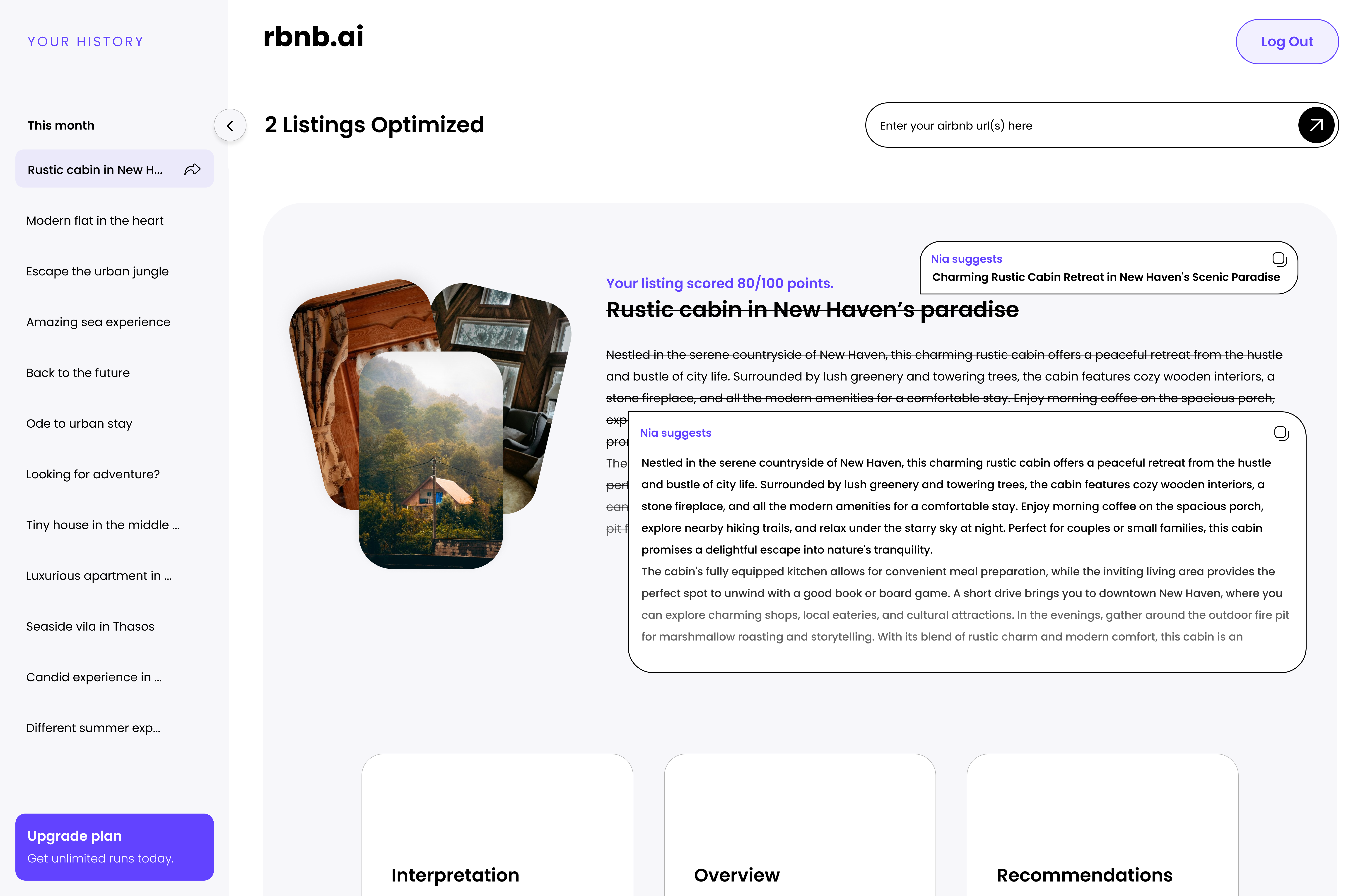
AI-optimized listing titles, descriptions, and photos. More visibility on Airbnb. More bookings.